Zombie Bride How To
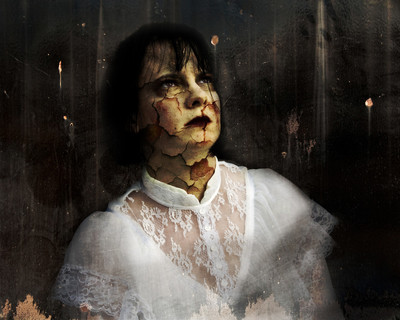 Dead BrideFinal zombie bride image
 I love Halloween and I love to combine that with my photography to create rather macabre and creepy images. Today I thought I'd share one with a zombie theme called "Dead Bride".
The image to the left I created using a self portrait and a variety of textures. I am not going to go into every detail of the steps I went through in Photoshop as there many and I used at least 3 different texture layers for the background and overall texture. I will share with you how I create the textured skin with the cracks and offer up some textures that you can use with your own photos. You need to already know how to use Photoshop and work with layers.
To get the cracked or peeling skin look, an overlay texture of peeling paint, cracked walls, earth, etc. Some texture that resembles the look you want for your image. Once you have chosen your layer, drag it onto your photo so it will form a layer above the image. Click on the layer and try a few blending options such as "soft light", "multiply", etc. Depending on the photo and the layer the setting may vary. You can also adjust the opacity some. After this step, you should see your image showing and the texture blended into it. You now will add a mask to the texture and mask out the texture on all of the photo except the skin. This includes the eyes and lips as they would not normally have that texture on them. At this point the texture is on the skin only and it has been blended. It likely will look a bit flat still. To really mesh it with the skin you will want to mask out some of the texture over the skin. For this image, I masked out the texture almost everywhere except the actual cracks and holes in the skin.
Once you are finished masking, it should look pretty good. This is when I play with color. You can select sections using the lasso tool and then adjust the color of just those sections. I reddened the cracked areas and yellowed the skin. I selected the lips and made them dark and red.
To finish the image I added some grungy textures and replaced the stone brick wall with a grungy wall. The texture photographs were taken in Cabrini Green and in Gary.
Here is the before and after image and following that are some textures and a link to where you can download textures. To download the textures you need to purchase them but there is no cost to do so. I only set it up like that to attach a license and track how many downloads there are.
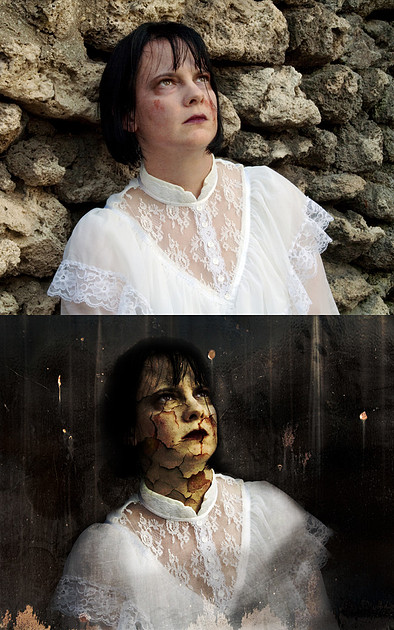 Dead Bride before and afterThe before and after photographs of the photo Dead Bride.
And now for some of the textures. You can find all of the textures in the Cracked and Peeling Collection.
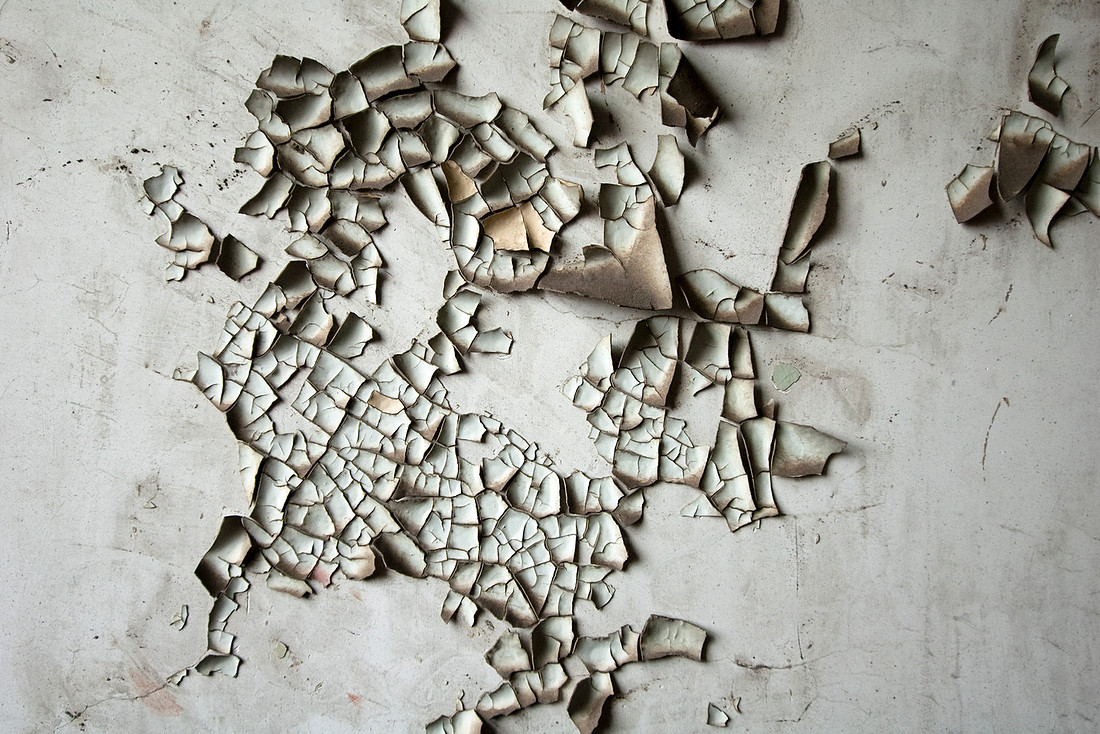 Peeling Texture 1Free Texture/Background for use with original photography.
You may use these as textures or backgrounds in your photography, including commercial but please do not post them as is and claim as your own or sell. You may post as is if you link back to the original download on this website.
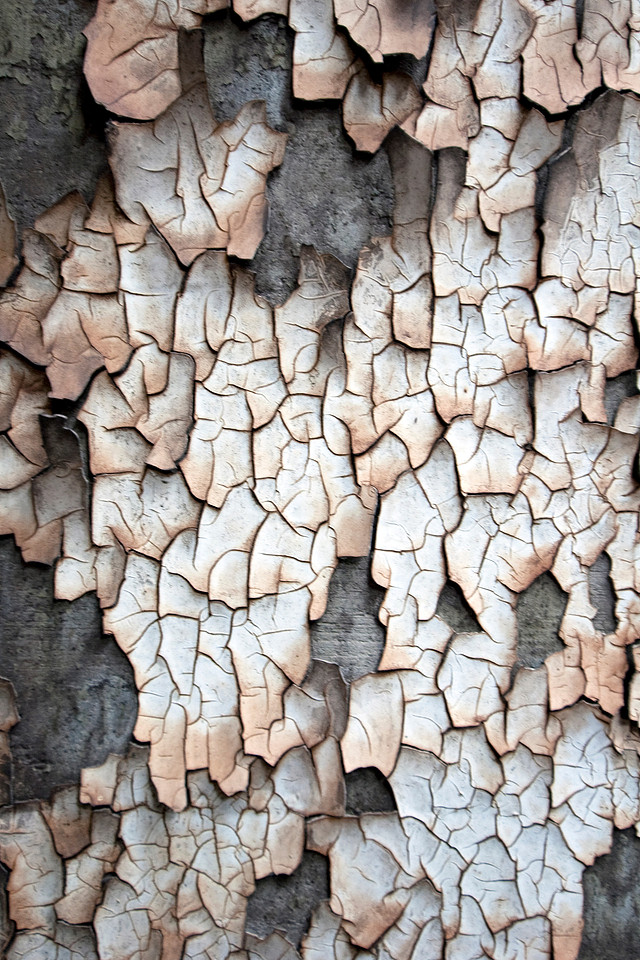 Peeling Texture 2Free Texture/Background for use with original photography.
You may use these as textures or backgrounds in your photography, including commercial but please do not post them as is and claim as your own or sell. You may post as is if you link back to the original download on this website.
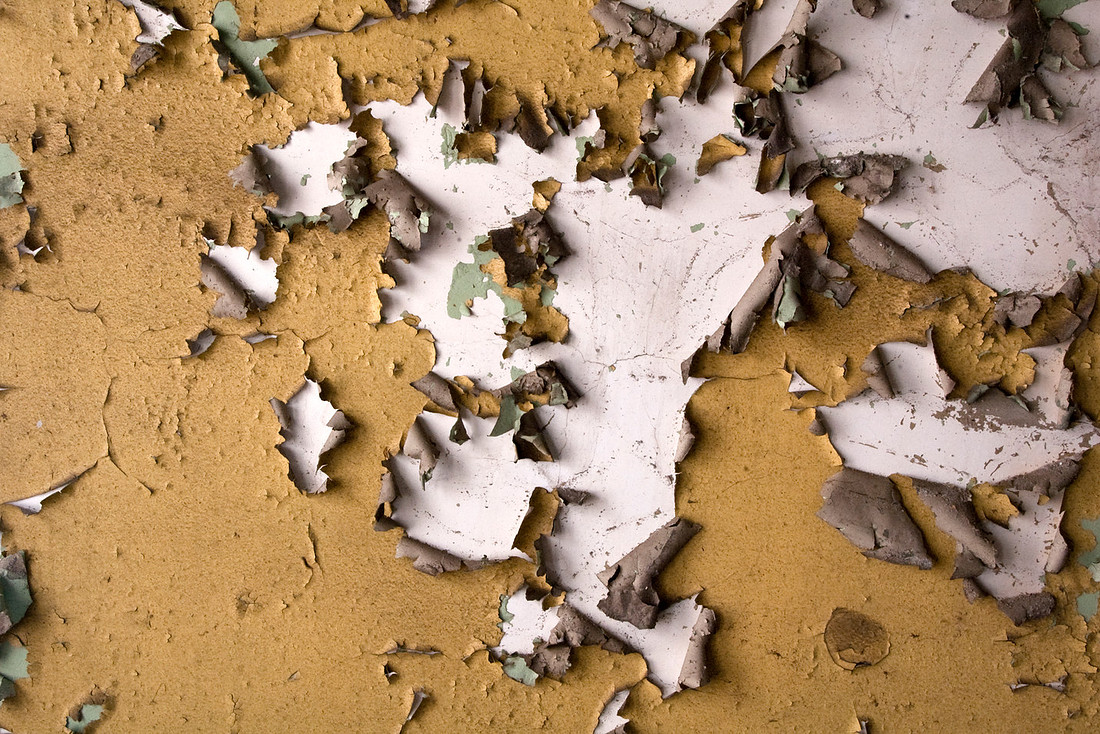 Peeling Texture 3Free Texture/Background for use with original photography.
You may use these as textures or backgrounds in your photography, including commercial but please do not post them as is and claim as your own or sell. You may post as is if you link back to the original download on this website.
Have fun creating your own monsters this Halloween!

